
What Is a Court Docket in Bucks County
A docket is the official, date-ordered list of every filing, event, and order in a case. Think of it as the spine of the case. When a complaint is filed, that goes on the docket. When a judge signs an order, that goes on the docket too. Hearings, continuances, bail actions, and the final disposition all land on the same list. The docket does not hold the documents themselves. It tells you what was filed and when, and it points you to the rest of the record.
In Bucks County, the docket also carries the case identity. It shows the docket number, the court and county, the case caption, and the parties. For a criminal matter, it adds an offense tracking number and the charges. The docket grows over the life of a case. A new entry appears each time something happens. That date order is what makes a docket useful. You can read it top to bottom and follow the case as it moved through the court.
Two systems hold Bucks County dockets, and the split matters. The county Web Viewer holds the Prothonotary civil and family dockets, plus Register of Wills and Orphans' Court dockets. The Pennsylvania Unified Judicial System holds criminal, traffic, magisterial district, and appellate docket sheets. A docket sheet is the printed or on-screen version of that list. You pick your tool based on the kind of case you are tracking.
How to Find Bucks County Dockets Online
The fastest path depends on the case type. For civil and probate dockets, start with the Bucks County Web Viewer. For criminal, traffic, and magisterial docket sheets, use the Pennsylvania UJS Case Search. The broader Pennsylvania Judiciary Web Portal home page also offers docket sheets, court calendars, and the PAePay payment tool in one place. Each system is free to search, and viewing a docket sheet costs nothing.
The steps below walk through a typical UJS docket lookup.
- Open the Pennsylvania UJS Case Search or the Judiciary Web Portal home page.
- Pick a Search By option. You can choose Participant Name, Docket Number, Citation Number, OTN, Date Filed, and several others.
- Set the County to Bucks and the Judicial District to 07 to trim out cases from the rest of the state.
- Enter your name or docket number, then add a Docket Type or Case Status filter to narrow the list.
- Open the matching case and read the docket sheet, then view or print it.
A lead-in detail helps before you start. A Date Filed search is capped at a 180-day range, so a wide search needs a tight date window. The UJS Search By menu is long: Appellate, Attorney, Calendar Event, Citation Number, Complaint Number, Date Filed, Docket Number, Incident Number, Organization, OTN, Parcel, Participant Name, and SID. You will rarely need all of them. A name or a docket number does the job most of the time.
You can see the Bucks County criminal and traffic docket search the way the state presents it on the UJS Case Search page.
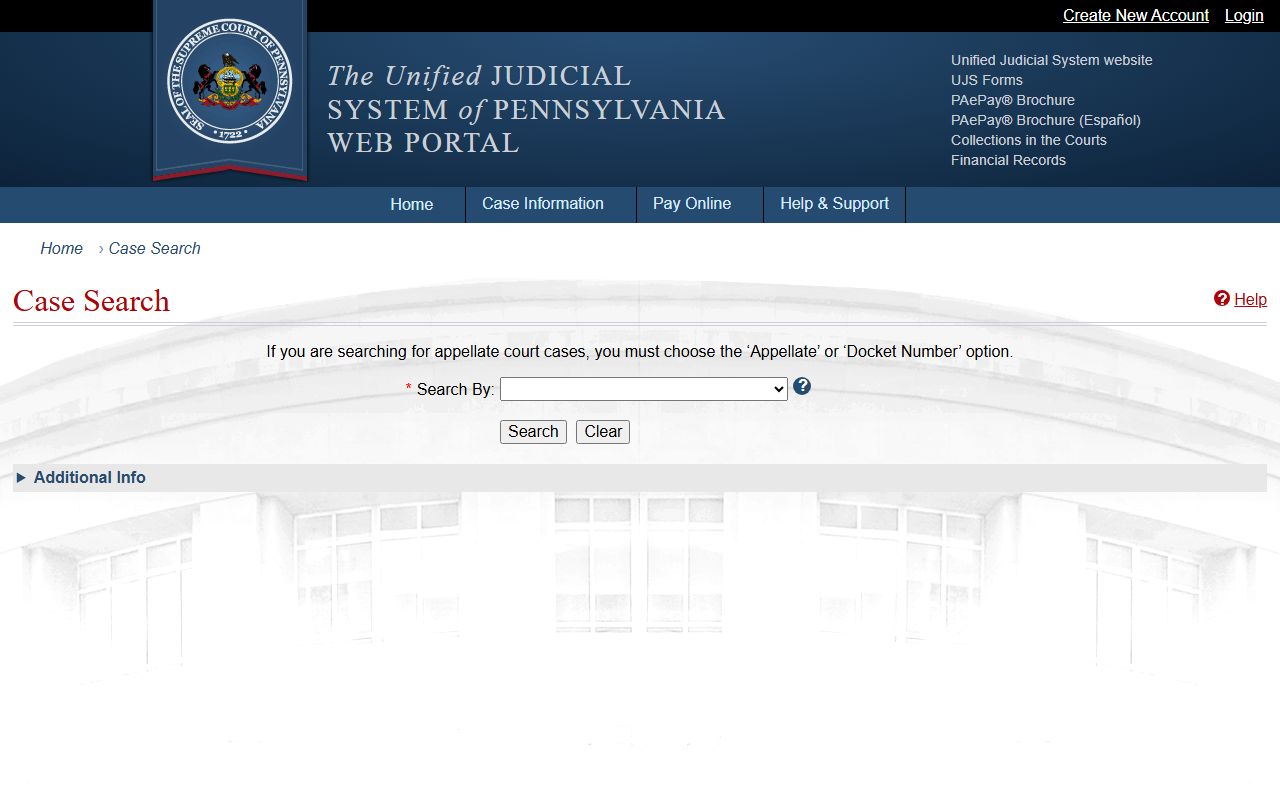
That search screen is where most criminal and magisterial docket lookups for the county begin.
Sample Bucks County Docket Entry
A docket entry packs a lot into a small space. Each line ties back to a field that tells you something about the case. The fields below show what a Bucks County docket sheet holds. A civil docket from the Court of Common Pleas and a magisterial docket from one of the local courts share most of these fields, though criminal matters add a few of their own.
| Field | What It Shows |
|---|---|
| Docket Number | The unique case ID, such as CP-25-CR-0009999-2017 for Common Pleas criminal or MJ-51301-TR-0009999-2017 for a magisterial traffic case. |
| Court and County | The court that holds the case, such as the Bucks County Court of Common Pleas in the 7th Judicial District, or a Magisterial District Court office. |
| Case Caption | The parties to the case, such as the plaintiff and defendant, or the Commonwealth and the defendant. |
| Filing or Initiation Date | When the complaint, citation, petition, or appeal was first filed. |
| Case Status | Whether the case is active, disposed, adjudicated, closed, or inactive. |
| Docket Type | The category, such as Civil, Criminal, Traffic, Non-Traffic, Landlord/Tenant, Summary Appeal, or Miscellaneous. |
| Parties and Counsel | Names, roles, and the attorneys of record for each side. |
| Criminal Metadata | OTN, charges, grading, disposition, and sentencing on a criminal docket. |
| Events | Hearings, continuances, orders, and bail actions in date order. |
| Documents | UJS shows the docket sheet itself, not the full filed documents. |
Note: The UJS portal shows the docket sheet as a summary, so the actual motions, exhibits, and signed orders come from the filing office, not the online docket.
Courts That Publish Dockets in Bucks County
Not every court posts dockets in the same place, and a few cases never reach the public view at all. The state UJS system publishes docket sheets for Common Pleas criminal cases, for all 18 Bucks County Magisterial District Courts, and for appellate matters. The county Web Viewer publishes civil and family dockets along with Register of Wills and Orphans' Court dockets. So the answer to where a docket lives depends on whether the case is criminal, civil, minor court, probate, or on appeal.
The list below sorts the main sources by what each one carries.
- Pennsylvania UJS: Common Pleas criminal docket sheets, all 18 Magisterial District Court dockets, and appellate matters.
- Bucks County Web Viewer: Prothonotary civil and family dockets and Register of Wills and Orphans' Court dockets.
- Appellate courts: docket numbers in formats such as 4000 WDA 2017, 4000 EAL 2017, or 4000 CD 2017.
Some records will not show, even when your search terms are correct. The UJS portal warns that juvenile cases, expunged cases, and limited-access cases sealed under Act 5 of 2016 will not display. Civil cases in the Courts of Common Pleas may also be left out of the portal search, and family court documents are not available online. When a docket does not appear, that gap is often by rule, not by error.
You can confirm a docket sheet, pull a court calendar, or pay through PAePay from the Pennsylvania Judiciary Web Portal home page.
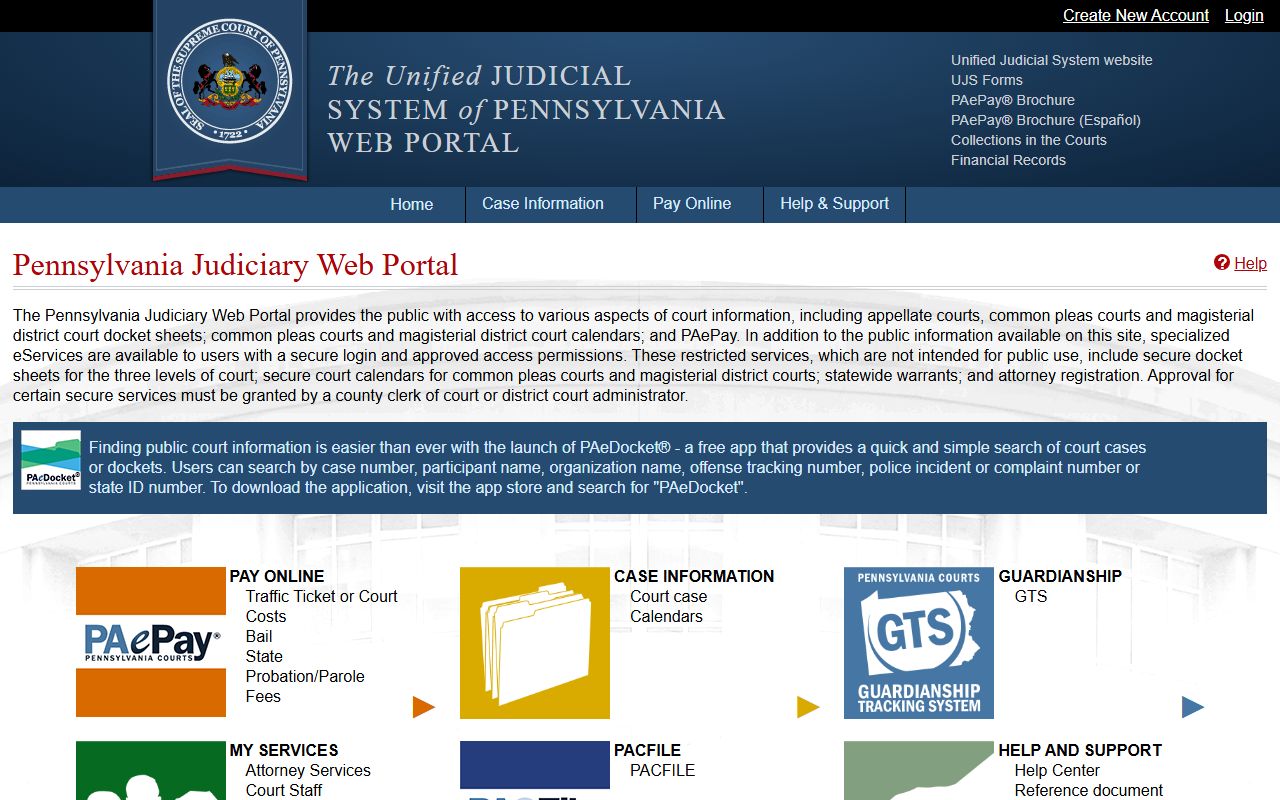
That home page bundles docket sheets, calendars, and payments, so it is a good single starting point for state court dockets.
Bucks County Docket Number Formats
A docket number tells you a lot before you even open the case. The leading letters mark the court level. CP means a Court of Common Pleas case, while MJ means a magisterial district case. The numbers that follow set the district, the case type code, the sequence number, and the year. Reading the pattern helps you confirm you have the right case and the right court.
| Court Level | Format Example | What It Covers |
|---|---|---|
| Common Pleas criminal | CP-25-CR-0009999-2017 | Criminal cases in the Bucks County Court of Common Pleas. |
| Magisterial traffic | MJ-51301-TR-0009999-2017 | Traffic citations heard in a Magisterial District Court. |
| Magisterial non-traffic | MJ-51301-NT-0008888-2017 | Non-traffic summary cases in a Magisterial District Court. |
| Appellate | 4000 WDA 2017, 4000 EAL 2017, 4000 CD 2017 | Appeals to the state appellate courts. |
The CR, TR, and NT codes in the middle of the number flag the case type. CR is criminal, TR is traffic, and NT is non-traffic. The four-digit block before the year is the sequence number for that court and term. When you type a docket number into the UJS Docket Number search, match the format exactly, including the dashes.
Docket vs. Full Case Record
A docket and a full case record are not the same thing, and the difference can save you a wasted trip. The docket is the index, the summary list of entries. The full case record is the stack of actual filed documents: the complaint, the motions, the exhibits, and the signed orders. UJS gives you the docket sheet, which you can view and print. It does not give you the underlying filings. For those, you go to the filing office.
| Docket | Full Case Record | |
|---|---|---|
| Format | Date-ordered list of entries | The actual filed documents |
| Source | UJS docket sheets and the county Web Viewer | Prothonotary, Clerk of Courts, or Register of Wills |
| Cost | Free to view and print | $0.10 per page plus a $1 technology fee per cart on the Web Viewer |
| Use | Track case progress and events | Legal review, evidence, certified copies |
The office you visit depends on the case. Civil and family documents come from the Prothonotary. Criminal documents come from the Clerk of Courts. Probate documents come from the Register of Wills. The county Web Viewer can sell scanned civil and probate documents at $0.10 per page plus a $1 technology fee per cart. No family documents are posted online, so those always require a request to the office. The docket points the way, but the paper itself sits with the clerk.
How to Read a Bucks County Docket
Reading a docket gets easier once you know the order and the key terms. Entries run in date order, oldest at the top, newest at the bottom. To follow a case, read straight down. Each line is one event. A filing, a hearing, an order, or a payment each gets its own entry. The first entries set up the case, and the later entries usually carry the outcome.
A few terms do most of the heavy lifting. A charge is not a conviction. It is only the accusation that opened the criminal case. The disposition is the outcome, the result the court reached on a charge, claim, or petition. The OTN is the offense tracking number, an ID that links a criminal case to the arrest behind it. The case status tells you whether the case is active, disposed, or closed. Read those four together and you get the shape of the case fast.
The docket type and case status work as filters too. On the UJS portal, Docket Type options include Civil, Criminal, Landlord/Tenant, Miscellaneous, Non-Traffic, Summary Appeal, and Traffic. Case Status options include Active, Active/Disposed, Adjudicated, Closed, and Inactive. Pairing a docket type with a status narrows a name search to the right kind of case. If you want only open traffic matters, set the type to Traffic and the status to Active. The docket then reads as a clean timeline rather than a wall of entries.